Connect your Data Tool
This page gives you an overview on how to connect your data to your data tool after you've synced it in Kaivo. There are tool-specific guides created as well on more detailed instructions.
Written By Essi
Last updated 3 months ago
More on what a data tool is, you can read here: Data tool.
Once your connectors are set up and your data is syncing, you can connect most AI, analytics or BI tools directly to your Kaivo data warehouse.
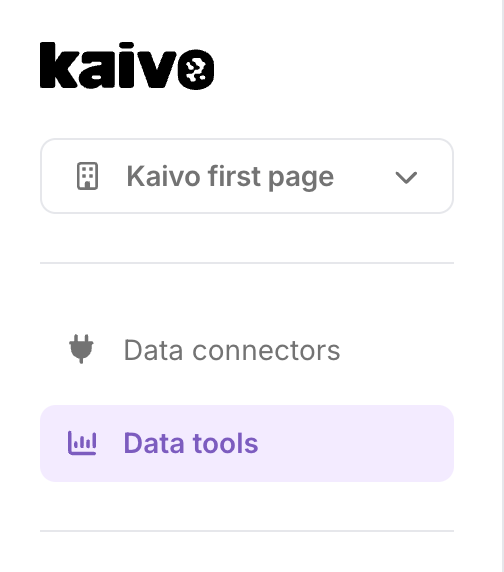
To get started, go to the Data tools tab in the left navigation of the Kaivo application.
There you will find connection instructions for the most popular tools. Click the tool you want to use and follow the step-by-step instructions directly in the app.
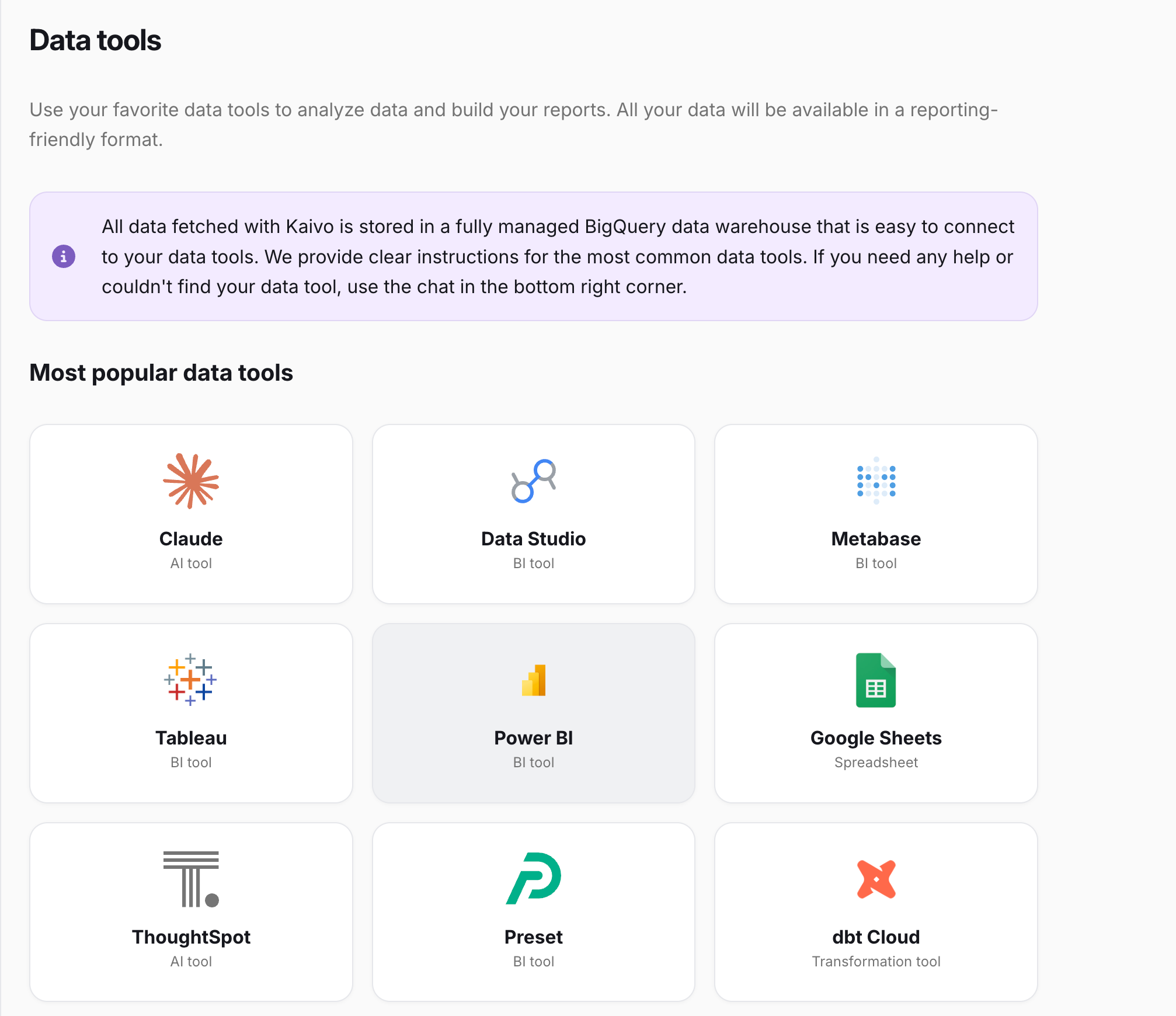
Supported data tools
Kaivo integrates with a wide range of tools across AI, business intelligence, data modeling, and spreadsheets.
As the data you have connected with Kaivo lives in a Google BigQuery data warehouse, you can basically connect Kaivo to any data tool that has a BigQuery connector. Below are some that we have created instructions to but the list is longer.
Contact Kaivo support using the chat feature or email us at support@kaivo.io if you are unsure if Kaivo can be connected to the data tool you use.
AI Claude
Business Intelligence Data Studio (former Looker Studio), Power BI, Tableau, Metabase, Qlik Sense, Preset, ThoughtSpot
Data Modeling Dataform, dbt, Tableau Prep Builder
Spreadsheets Google Sheets, Excel
The connection method varies by tool. See the tool-specific guides below for step-by-step instructions.