Change your data selection anytime
Welcome to the first New in Kaivo, our roundup of what we've shipped lately.
Edit what a connector syncs
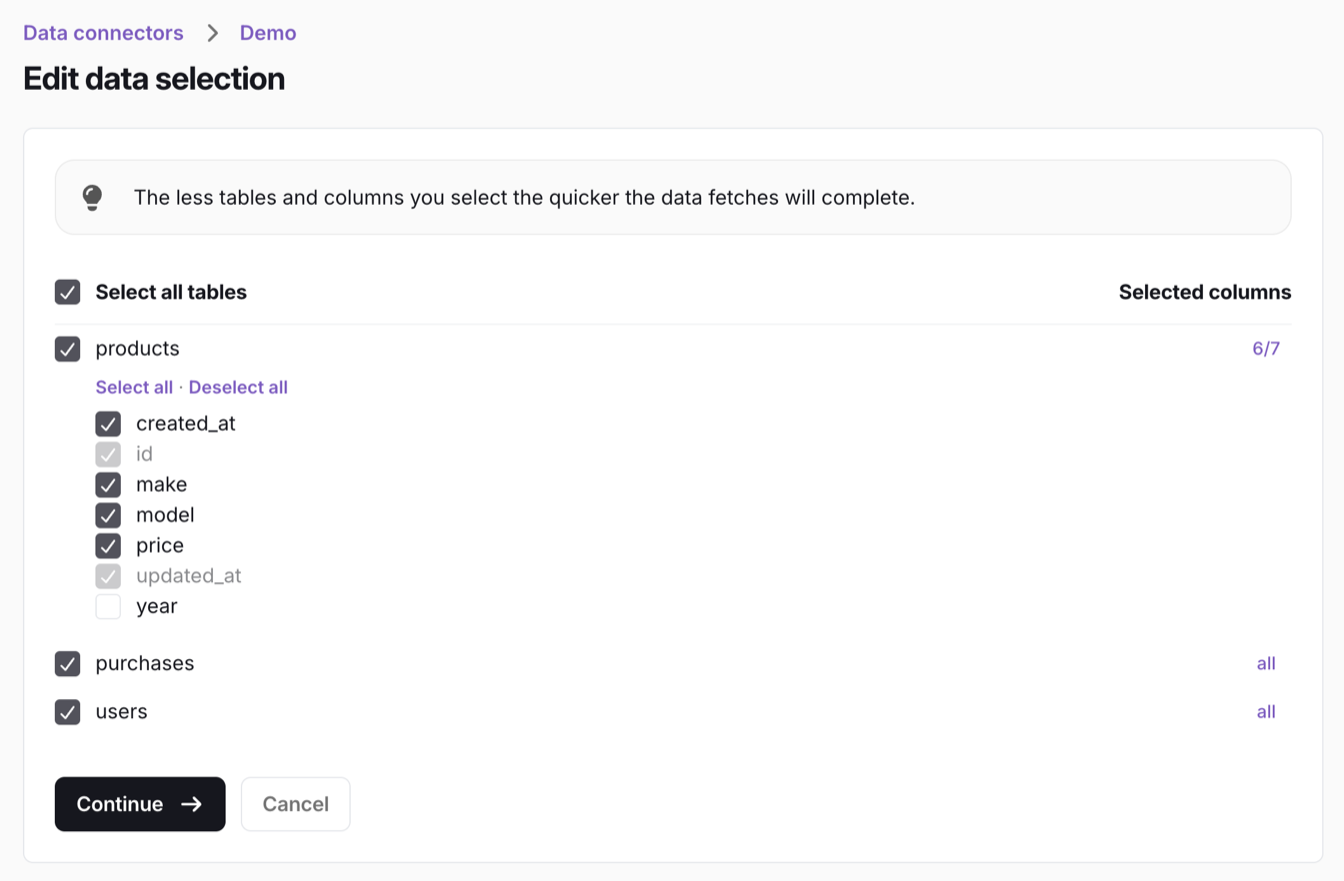
You can now change which tables and columns a connector syncs after it’s set up. Add a table or column you need for a new report, or drop ones you no longer use.
When you add columns to a table that’s already synced, Kaivo suggests whether to run a full refresh of the table so existing rows get the new columns too. For tables that collect history, it warns you that a full refresh keeps only what the source still provides.
Open a connector, go to Selected data and select Edit selection to get started.
New connector: Diarium
Bring your Diarium employee data into Kaivo and report on your workforce alongside the rest of your business. The Diarium connector guide has the details.
Faster connector setup
Checking a connection and loading available tables is now up to tens of seconds faster. Google Sheets with 15 or more tabs, which used to time out, now connect without issues.
MySQL connector: incremental syncs
The MySQL connector now syncs only what has changed instead of copying every table in full. Syncs finish faster and put less load on your database.
Stronger security under the hood
Connection checks and table loading now run isolated from the Kaivo application. A flaw in a single connector can’t reach application secrets or permissions.
Other improvements
- Gorgias connector: More KPI metrics from the Analytics API, for a fuller picture of your support team’s performance.
- Genesys connector: Now syncs the external tags on conversations and each agent’s status (On Queue, Idle, Off Queue), so you can report on agent availability.
- Fortnox connector: New
invoices_detailedtable with additional fields on top of the invoices table, so you can analyse invoices in more detail. - Dataset names: A new connector can’t reuse the name of any existing dataset in your warehouse, even one created manually or by another tool, so it never mixes with data it doesn’t own.